Introduction to Machine Learning
Today’s plan
We will deal with two unplugged (no-coding) activities to understand some foundational ideas about machine learning.
We will try to tackle one classification problem and one prediction problem. We will talk about what classification and prediction even means.
Classification
The Goal: To teach a model to sort items into predefined categories or “classes.”
- Email clients filtering spam (spam or not spam).
- Doctors using data to identify diseases from X-rays (disease or no disease).
- Banks automatically detecting fraudulent credit card transactions (fraud or no fraud).
- Image recognition algorithm identifying an image of a cat, a dog, or a bird (cat, dog, bird)
Image Data
By turning images into data, we can find patterns in images.
Example:
- Identifying a tissue as cancerous or healthy
- An autonomous vehicle identifying a pedestrian, a car, a stop sign.
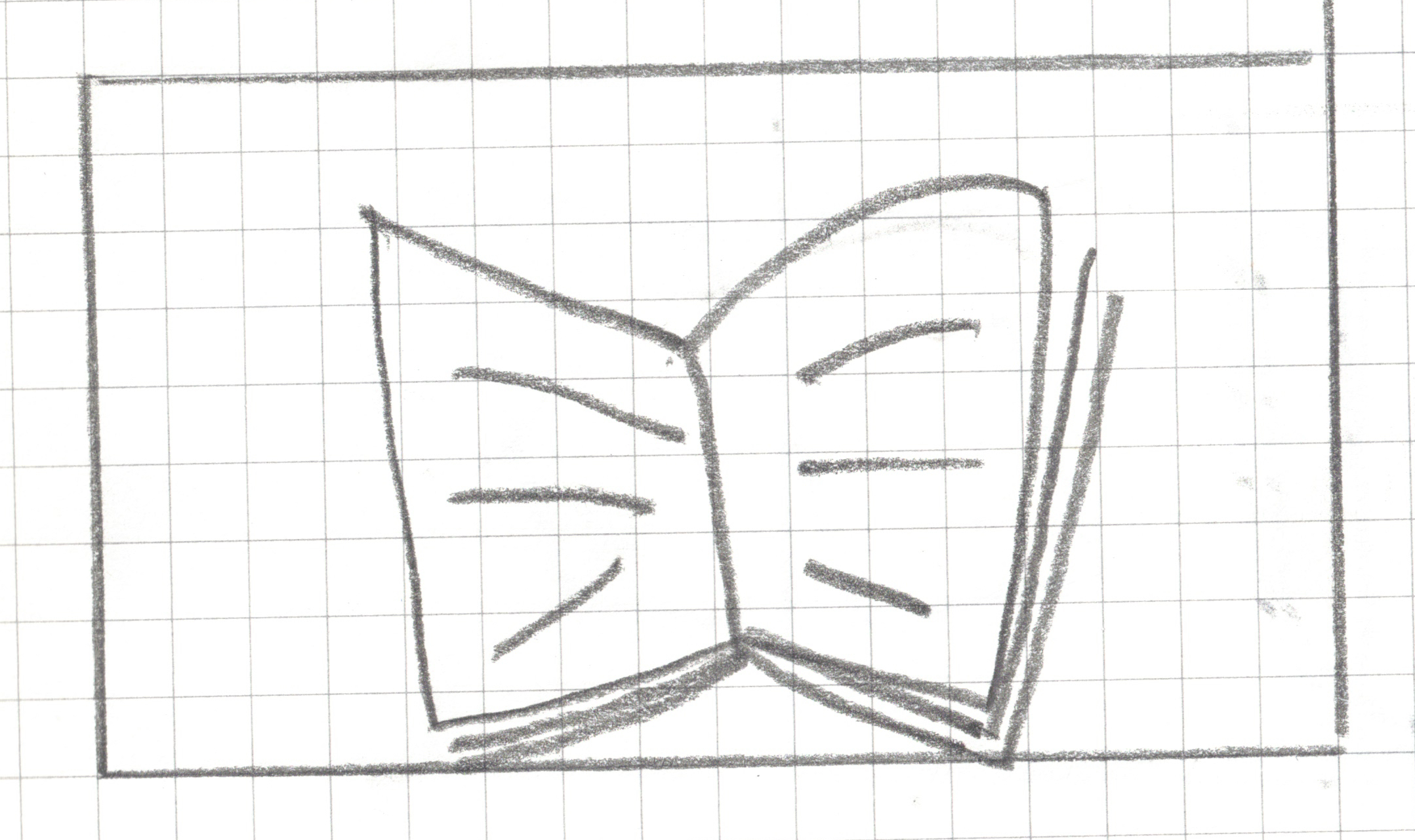
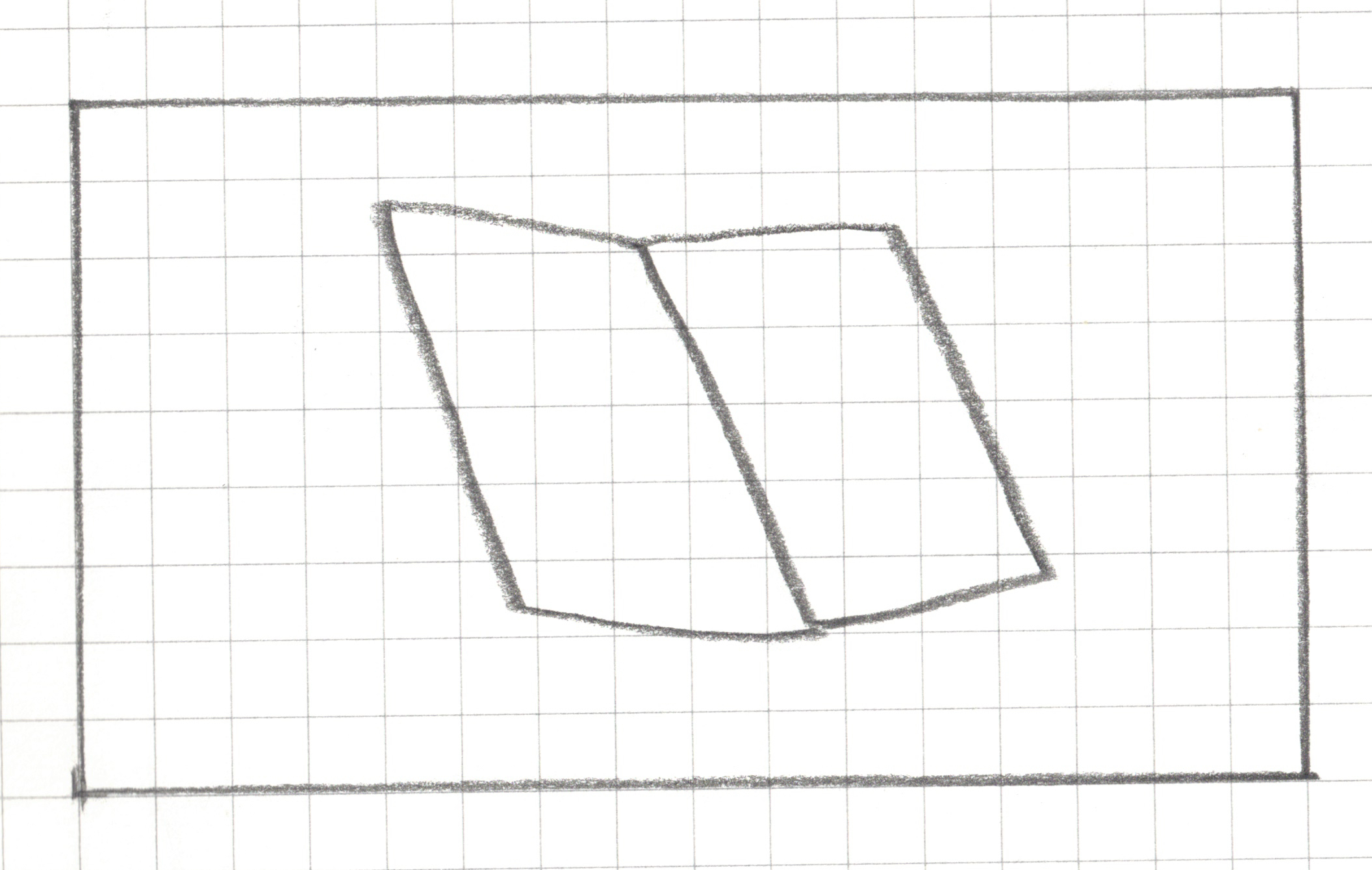
Step 1: Create a landscape drawing area, 16 squares by 9 squares
![]()
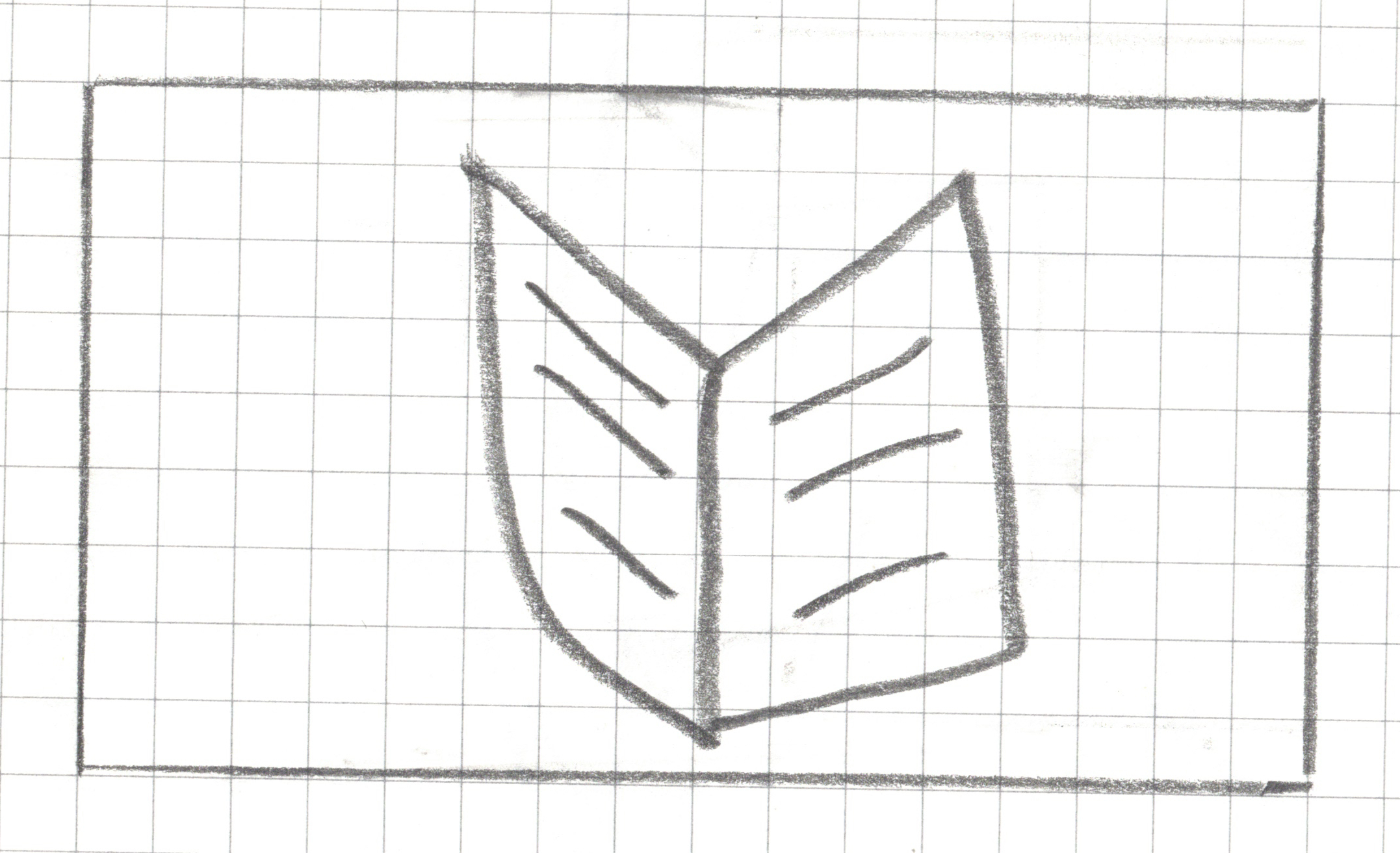
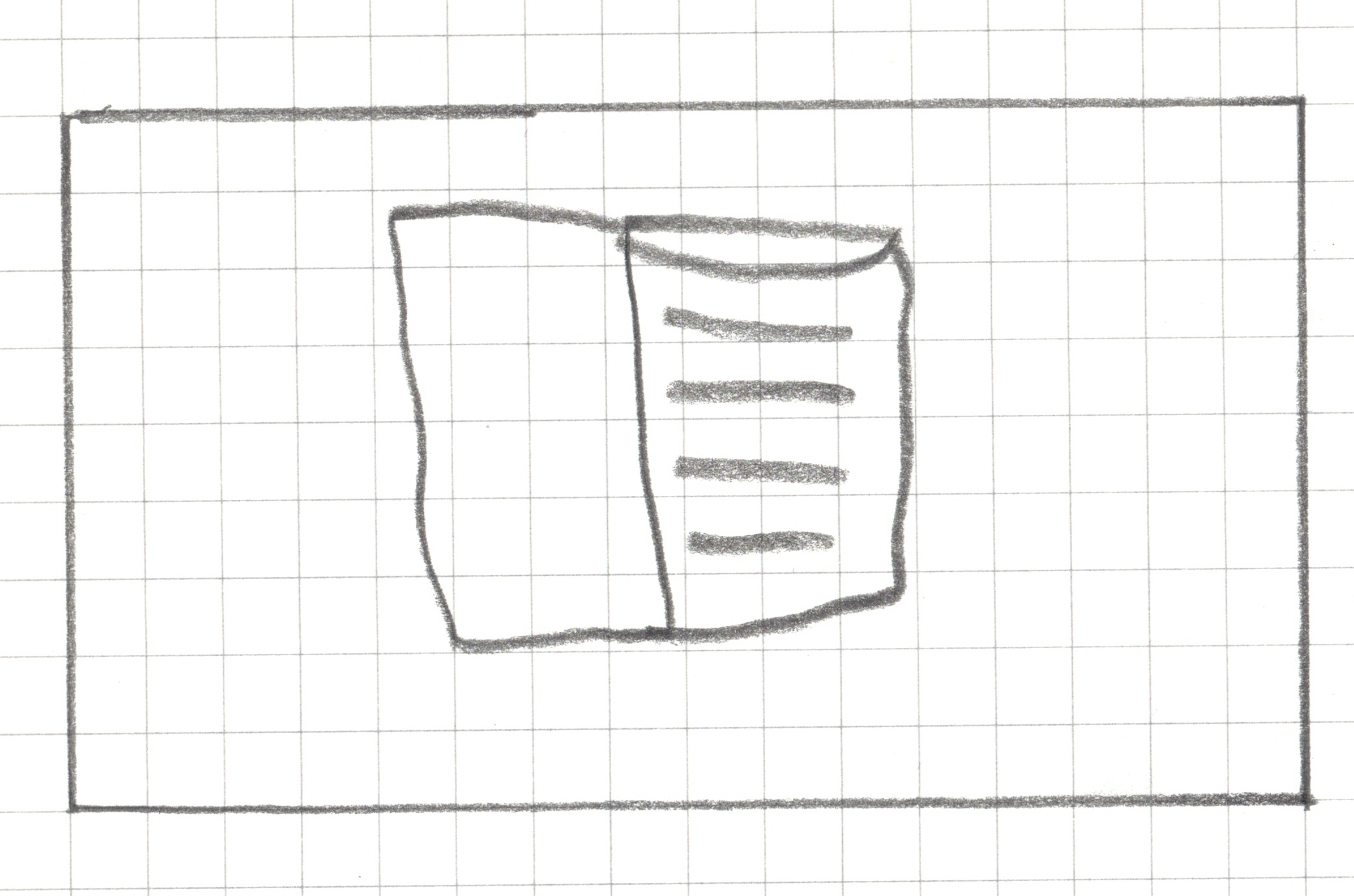
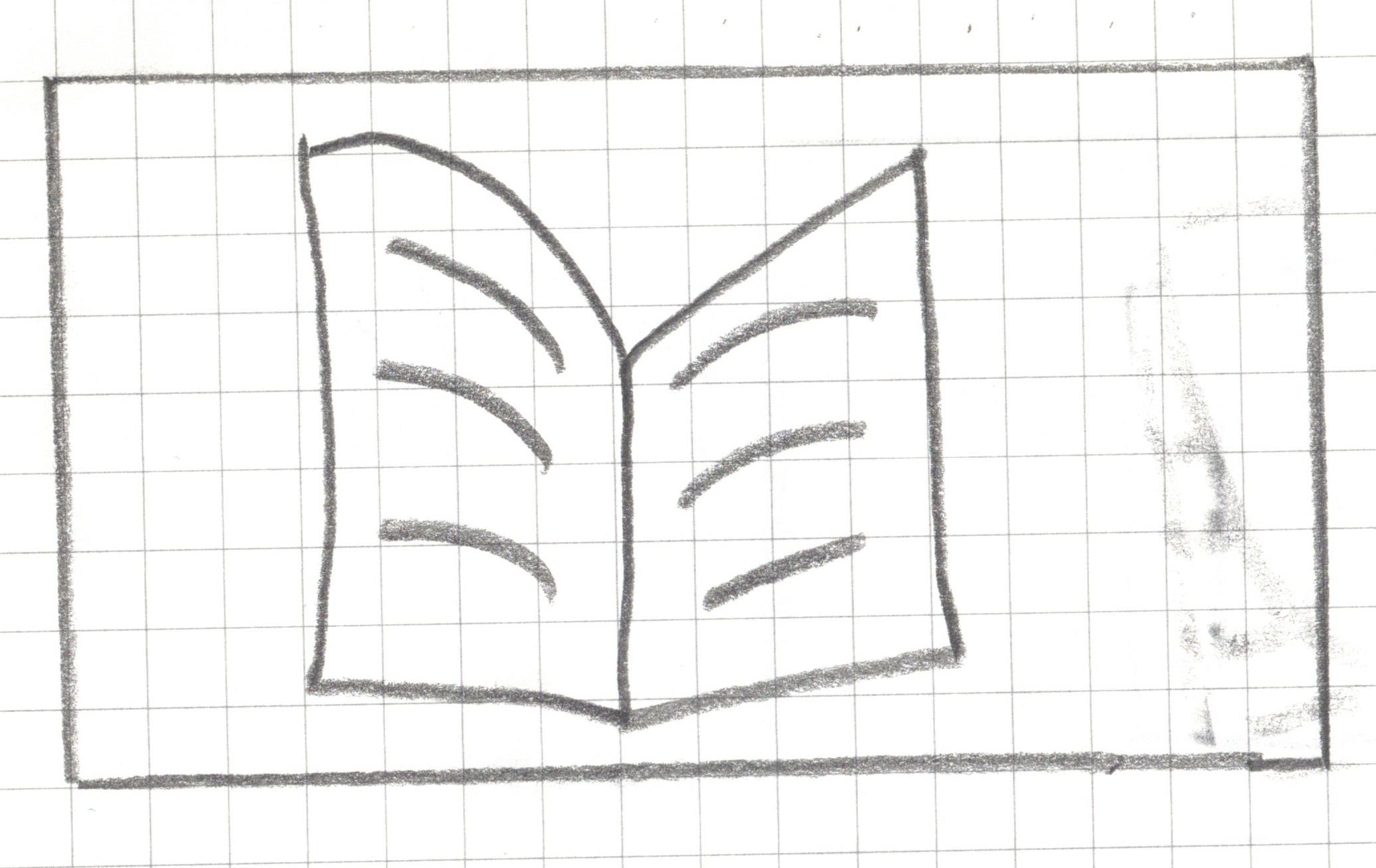
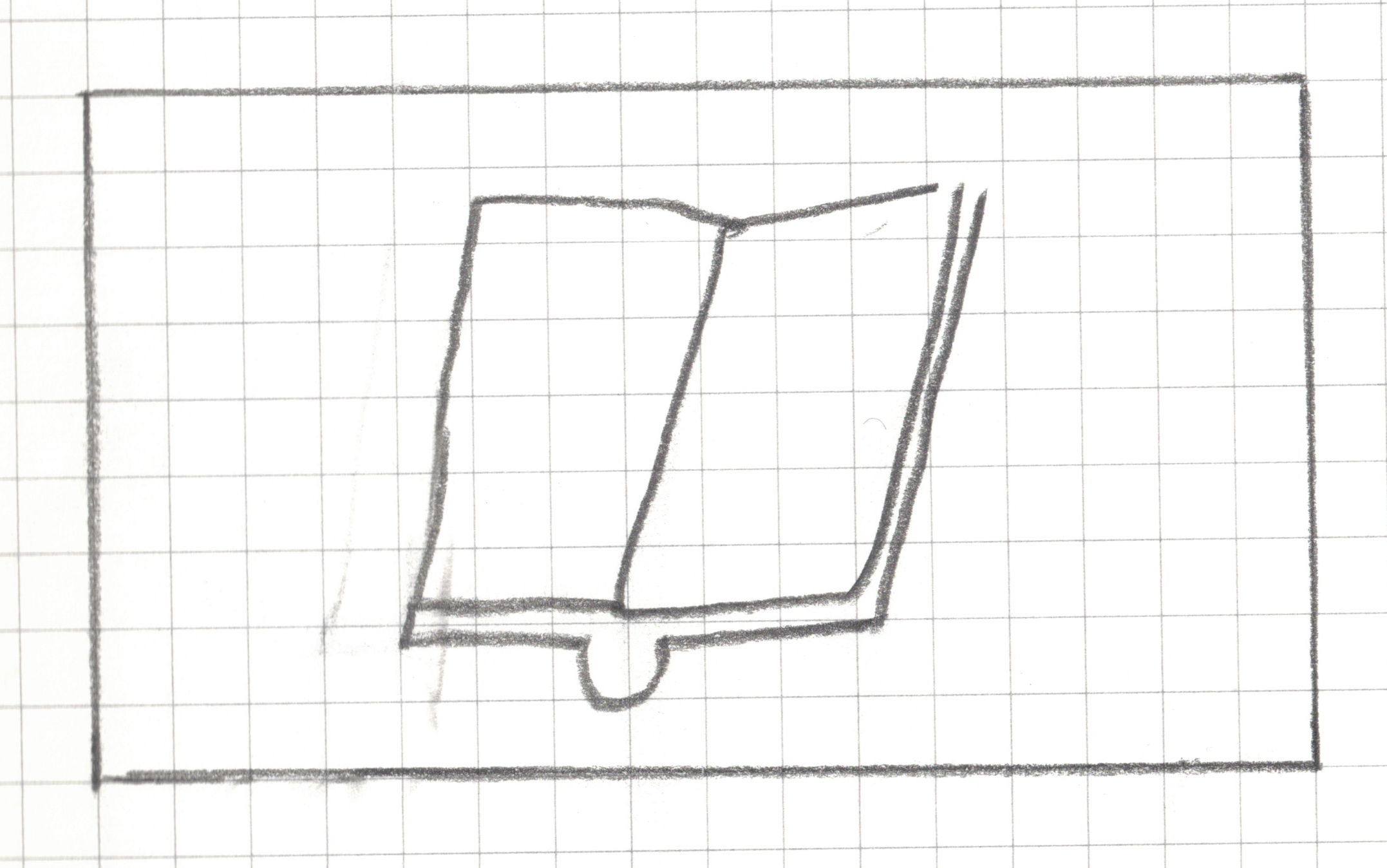
Step 2: Draw _______ within your drawing area in less than 20 seconds without showing it to your neighbors.
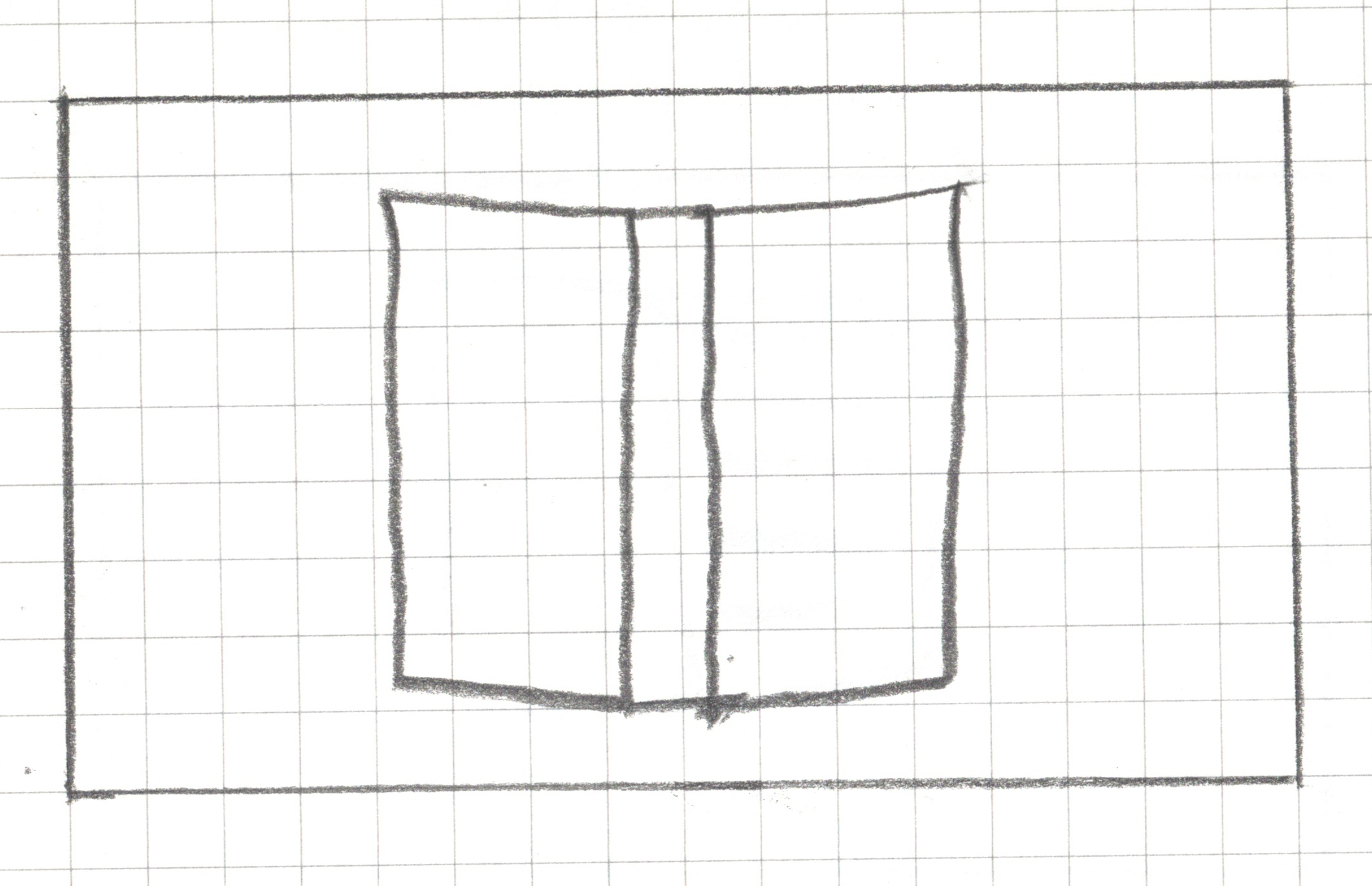
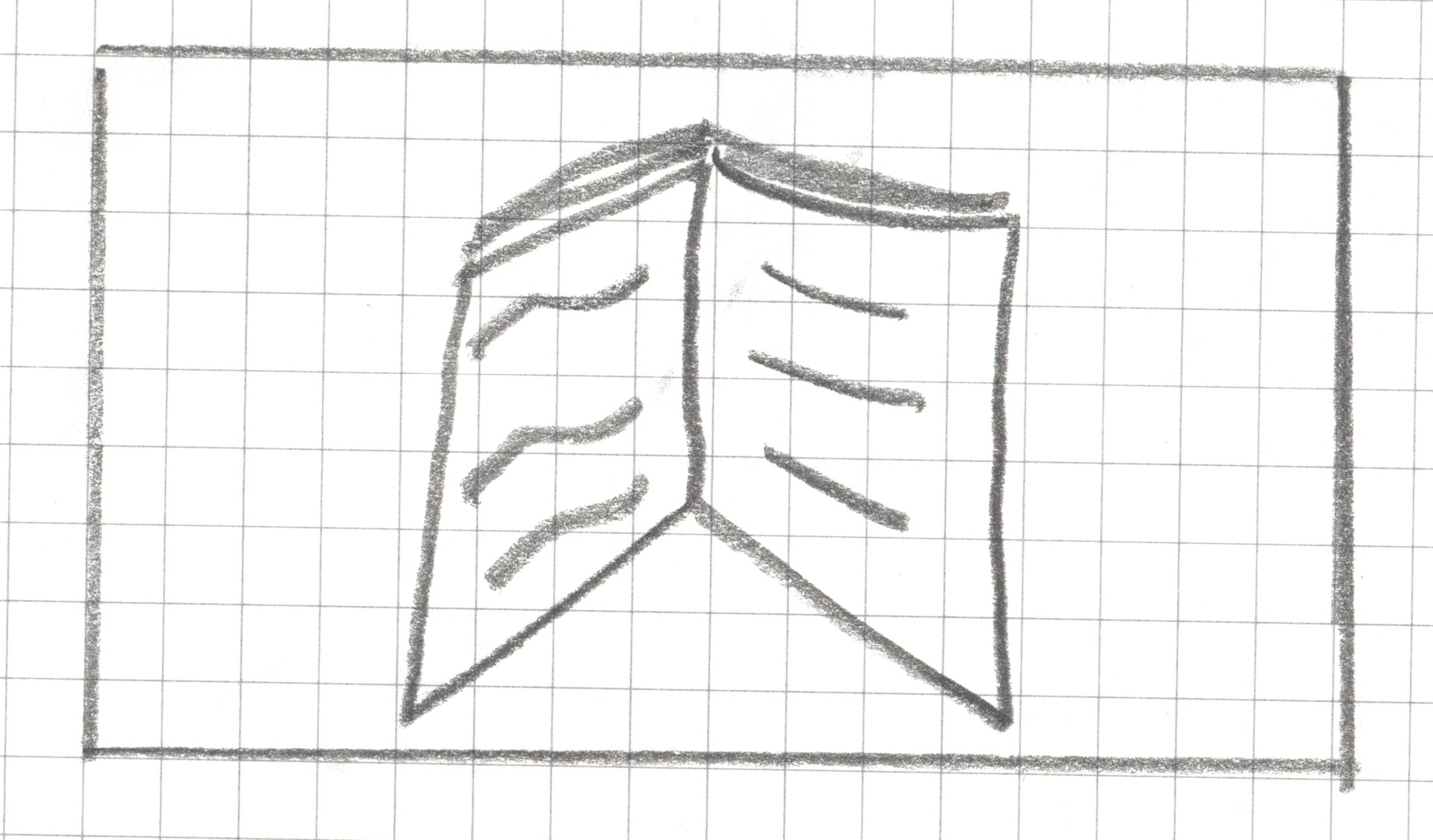
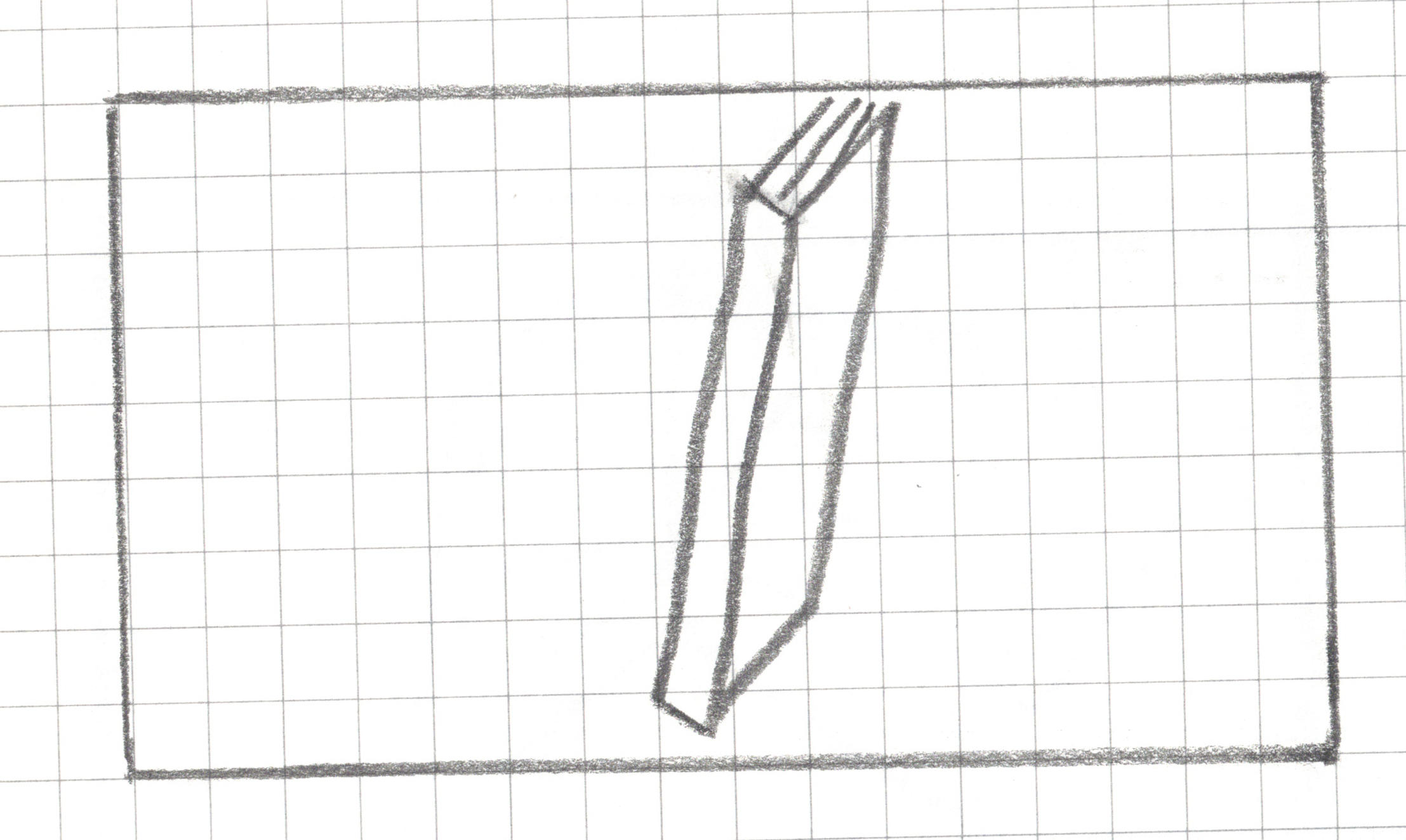
Step 2: Draw a book within your drawing area in less than 20 seconds without showing it to your neighbors.
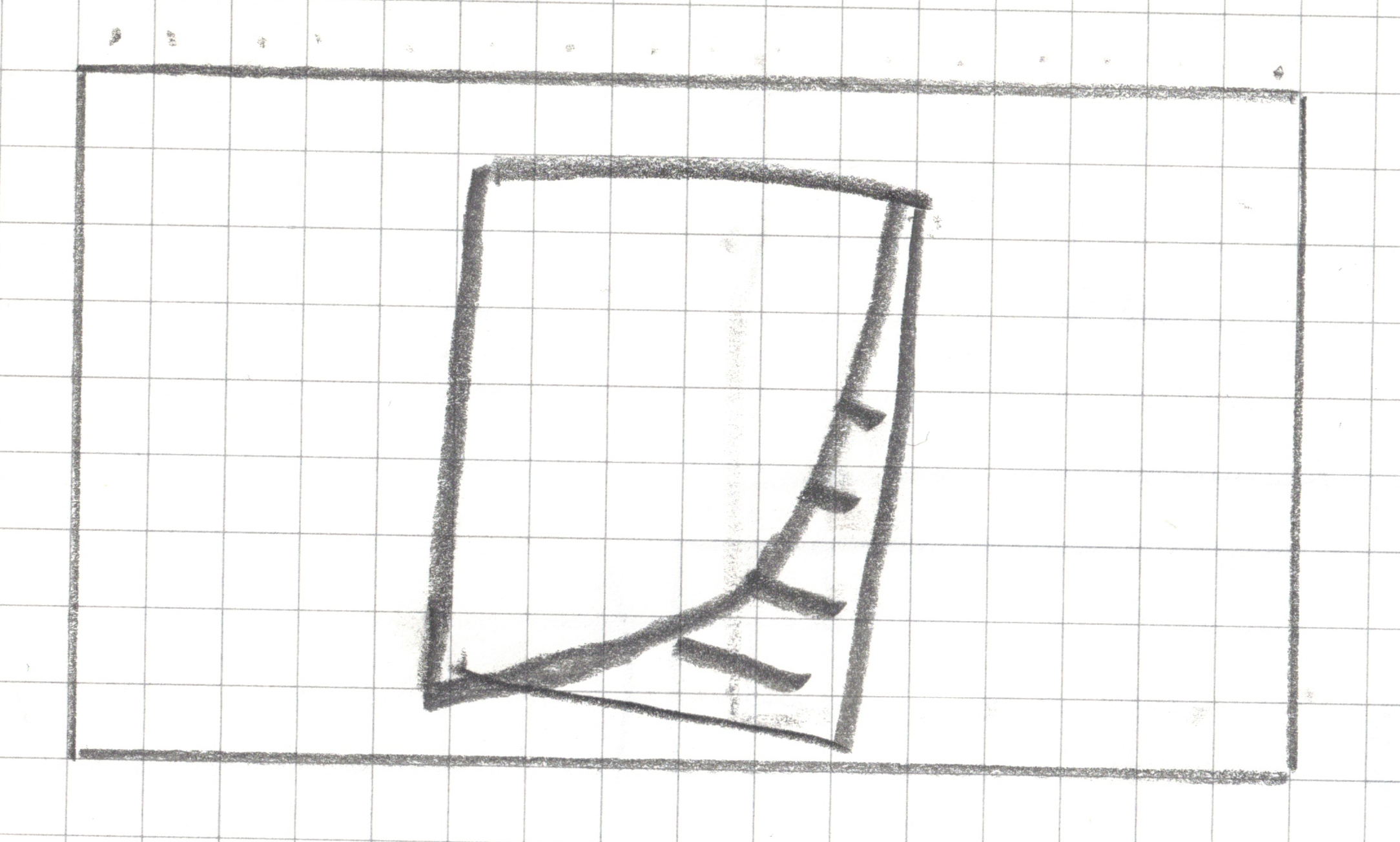
Step 2.5: Now you can take a look at each others’ drawings.
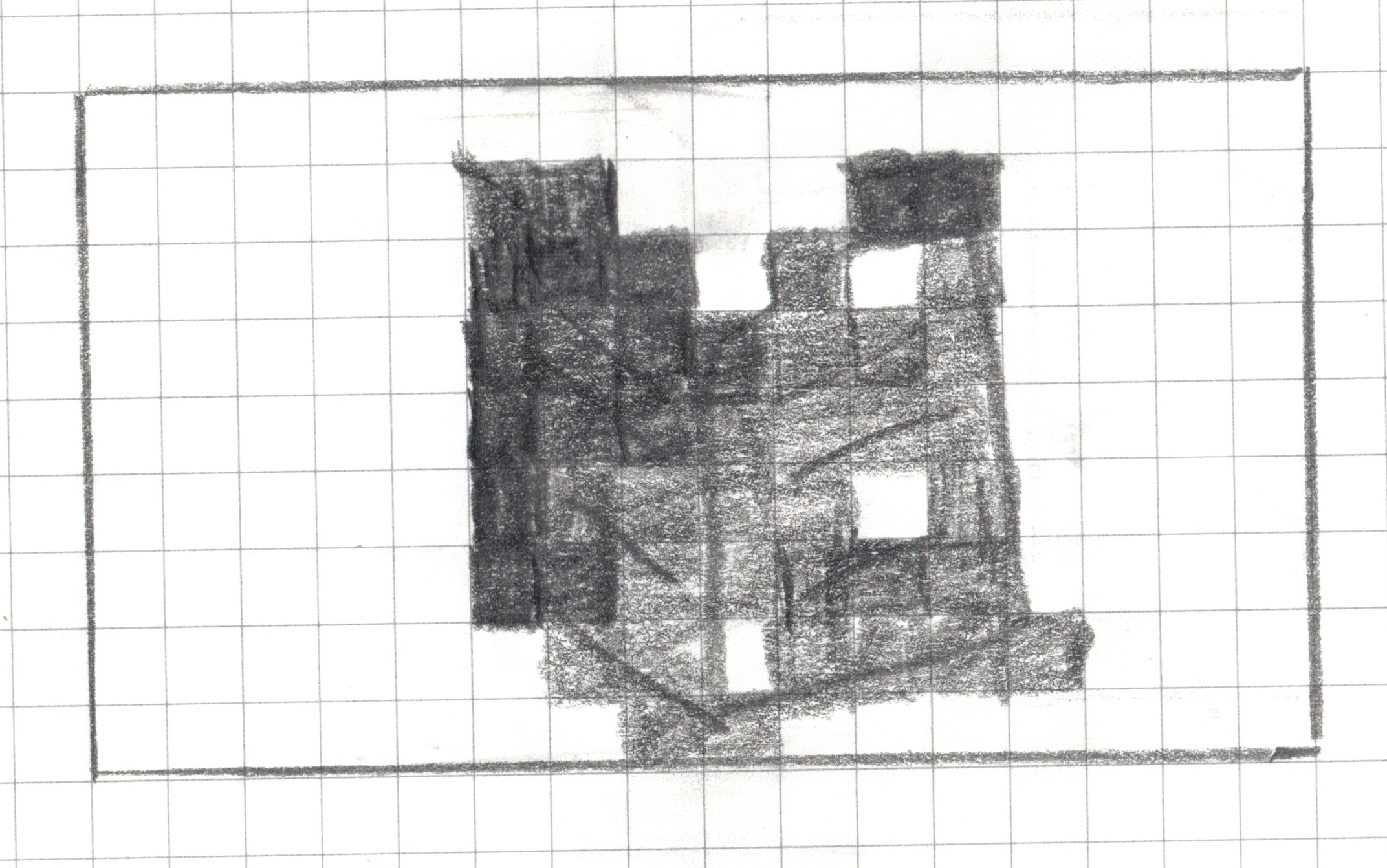
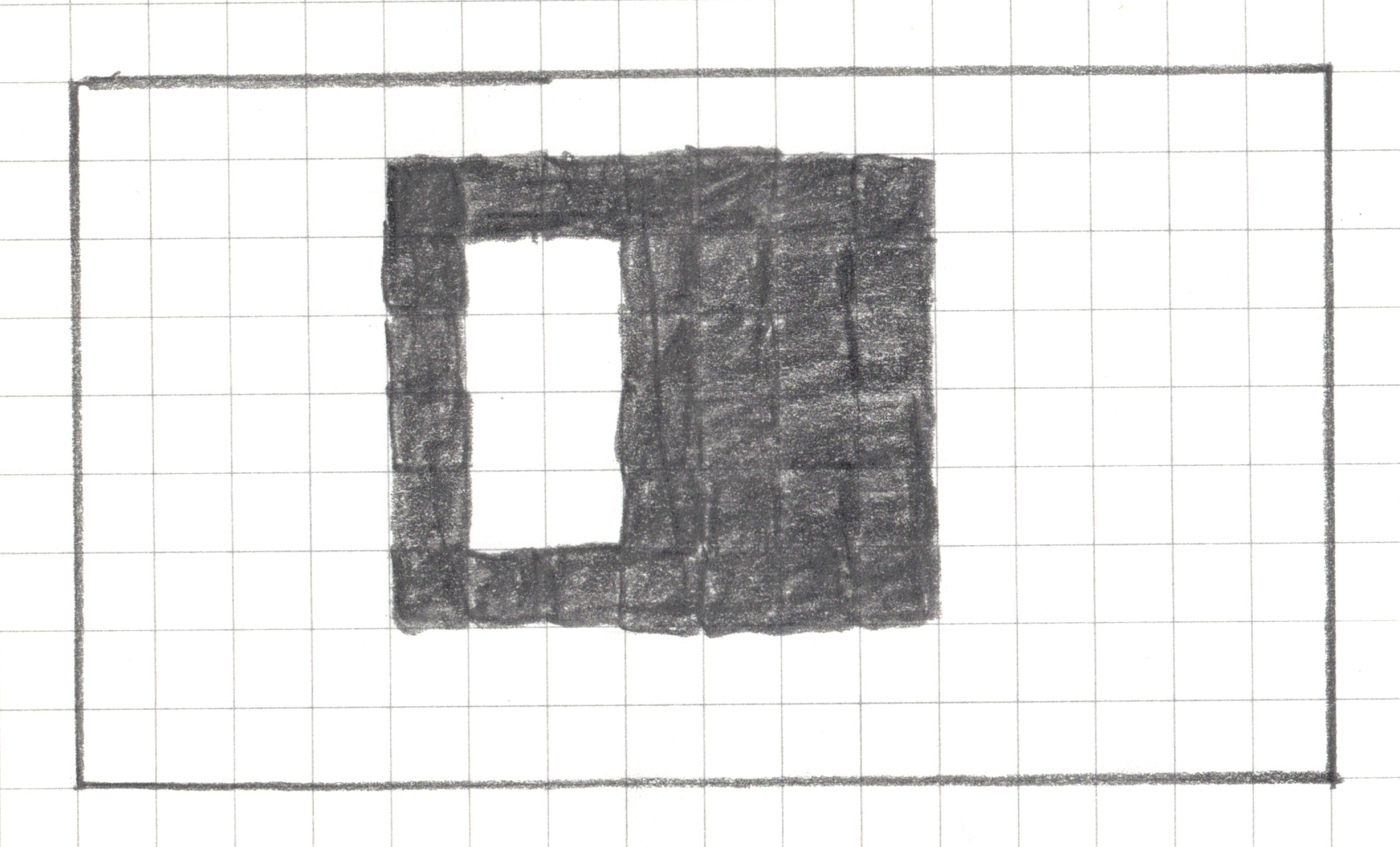
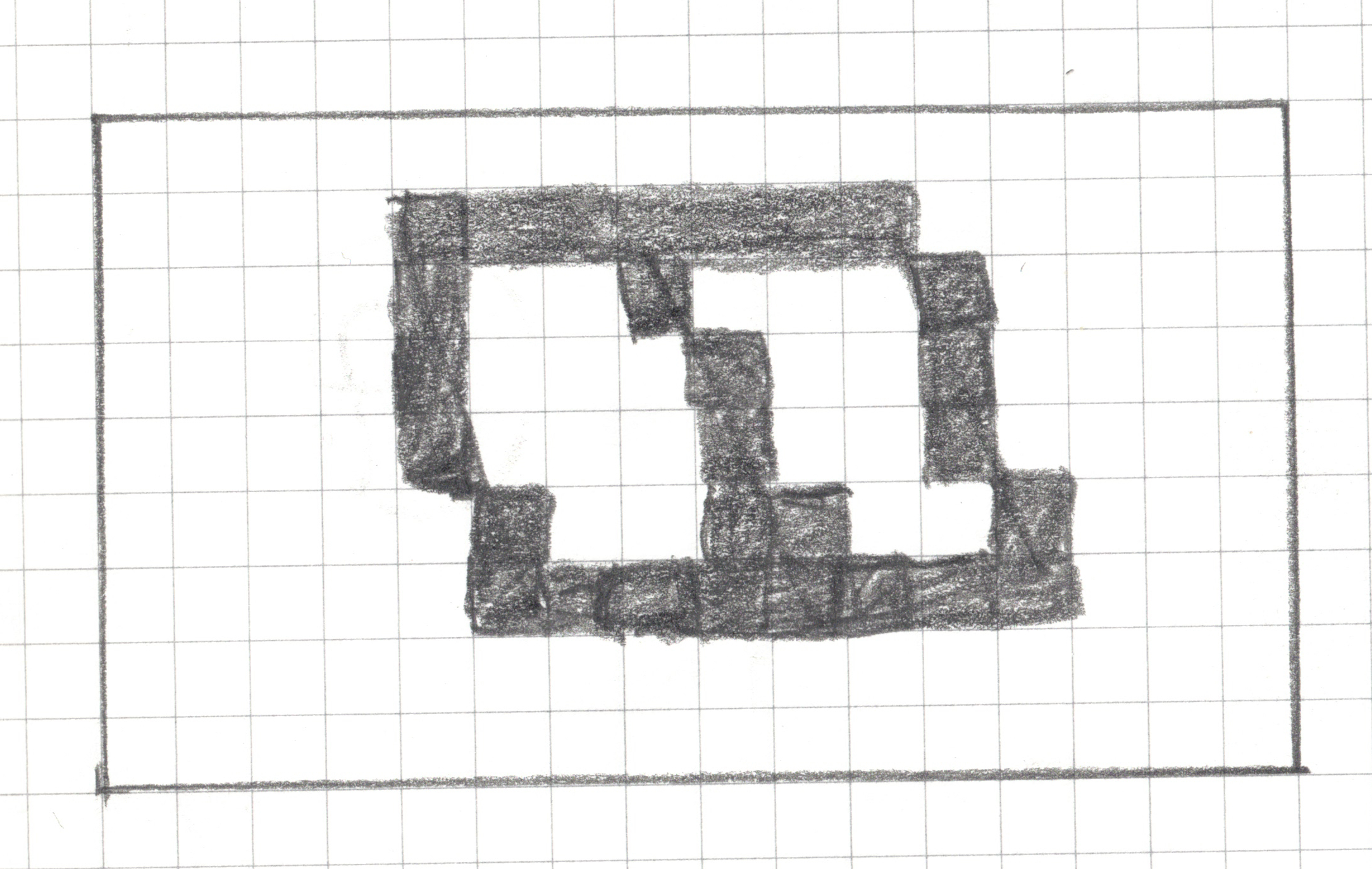
Step 3: Pixelate your drawing
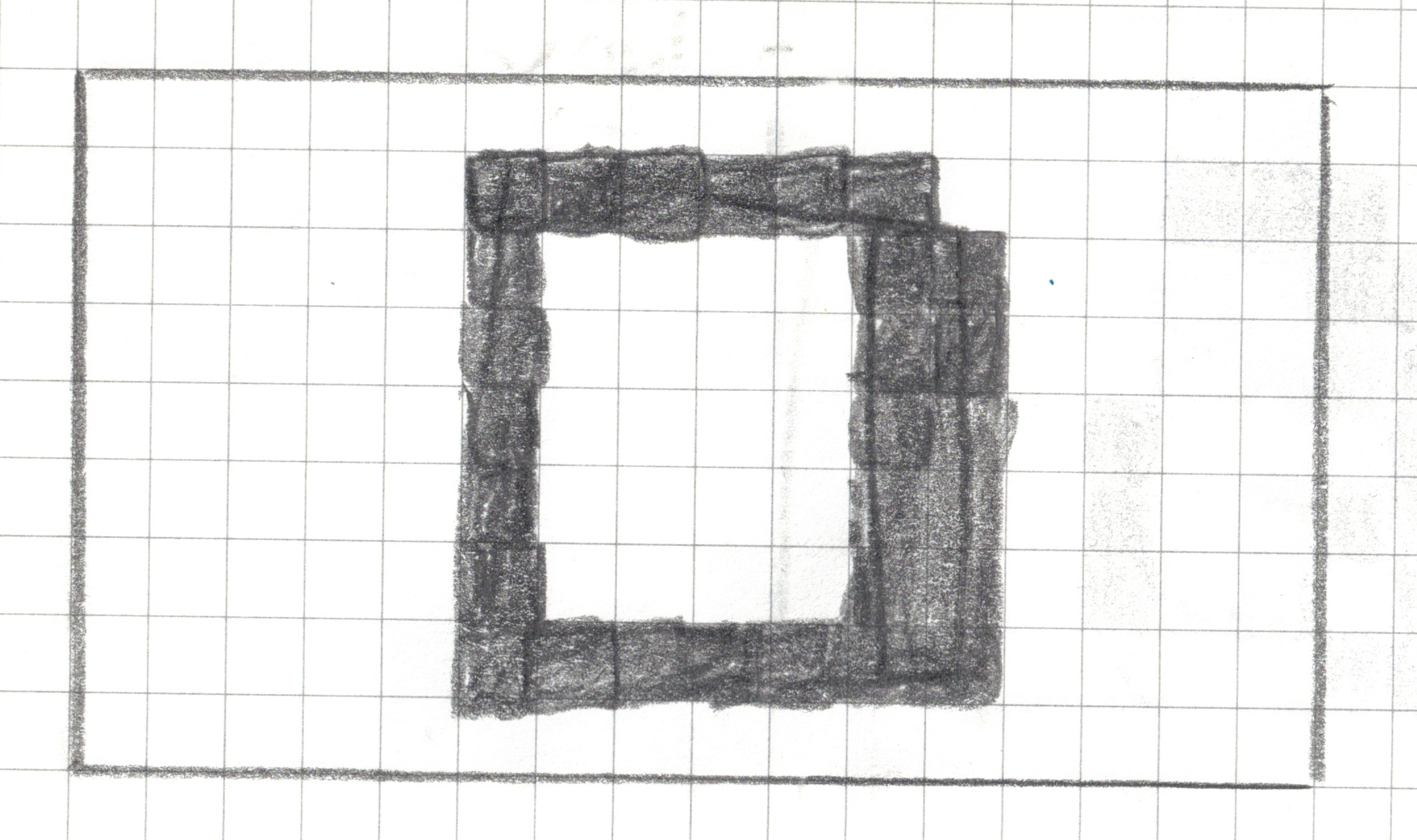
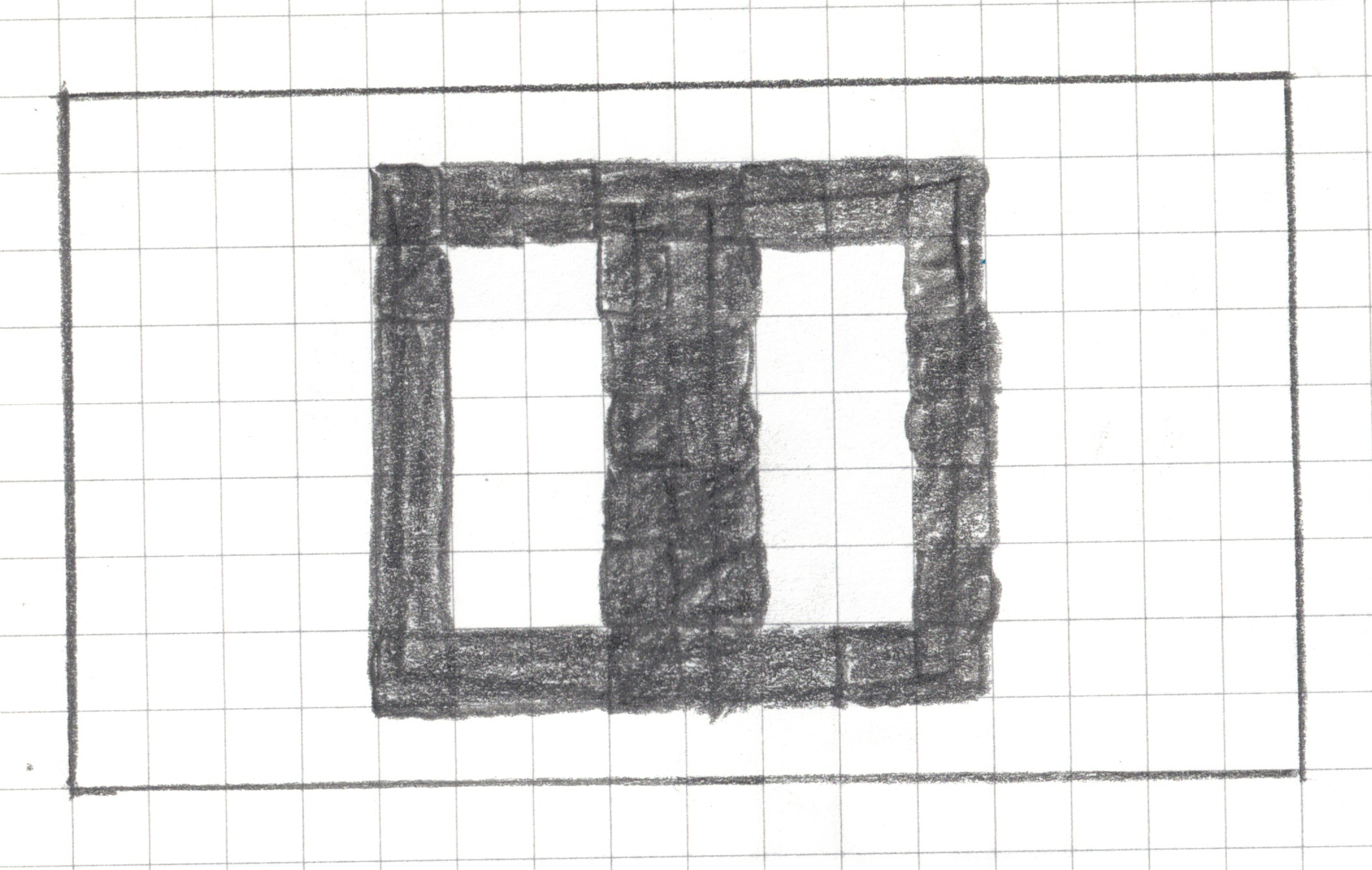
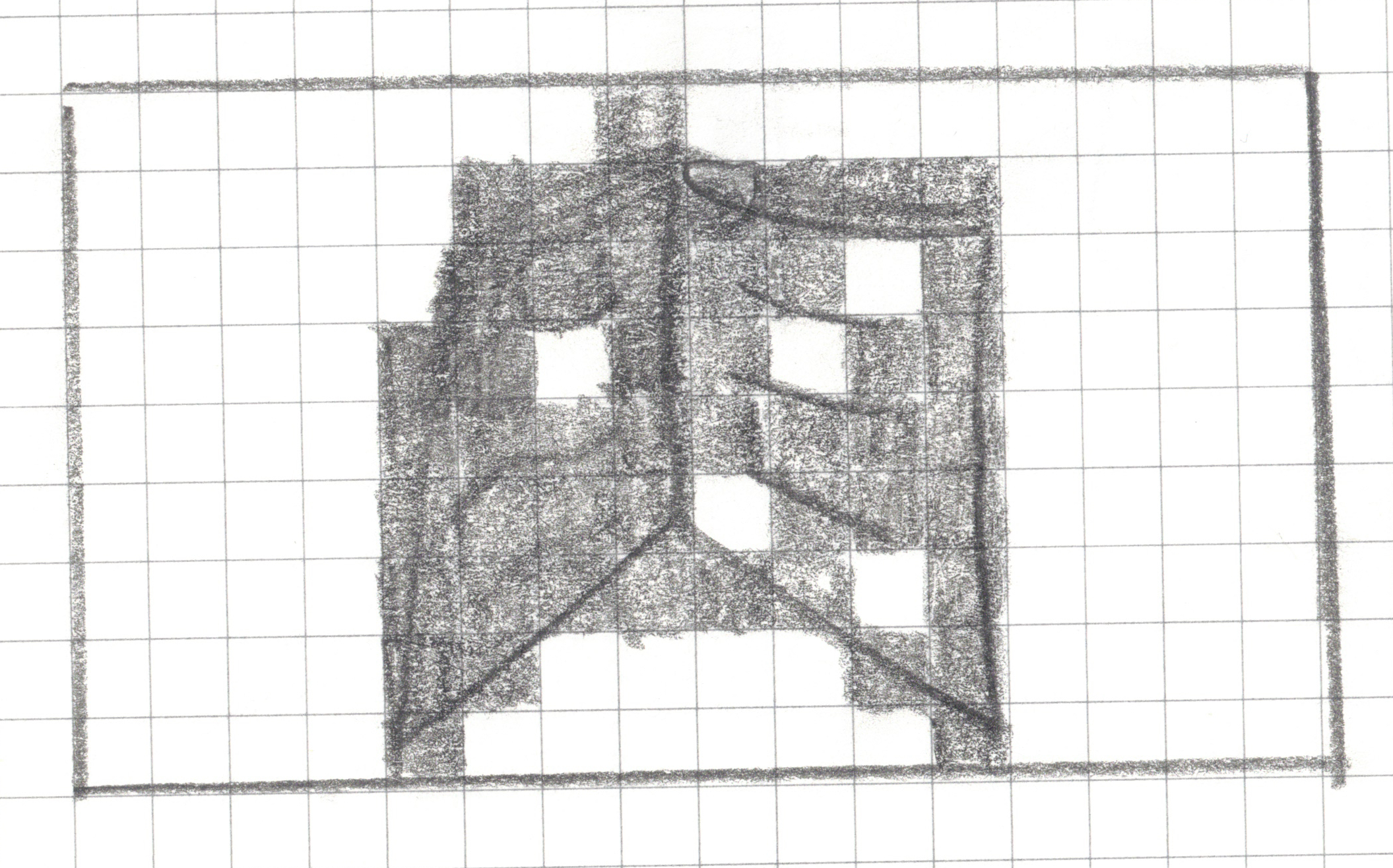
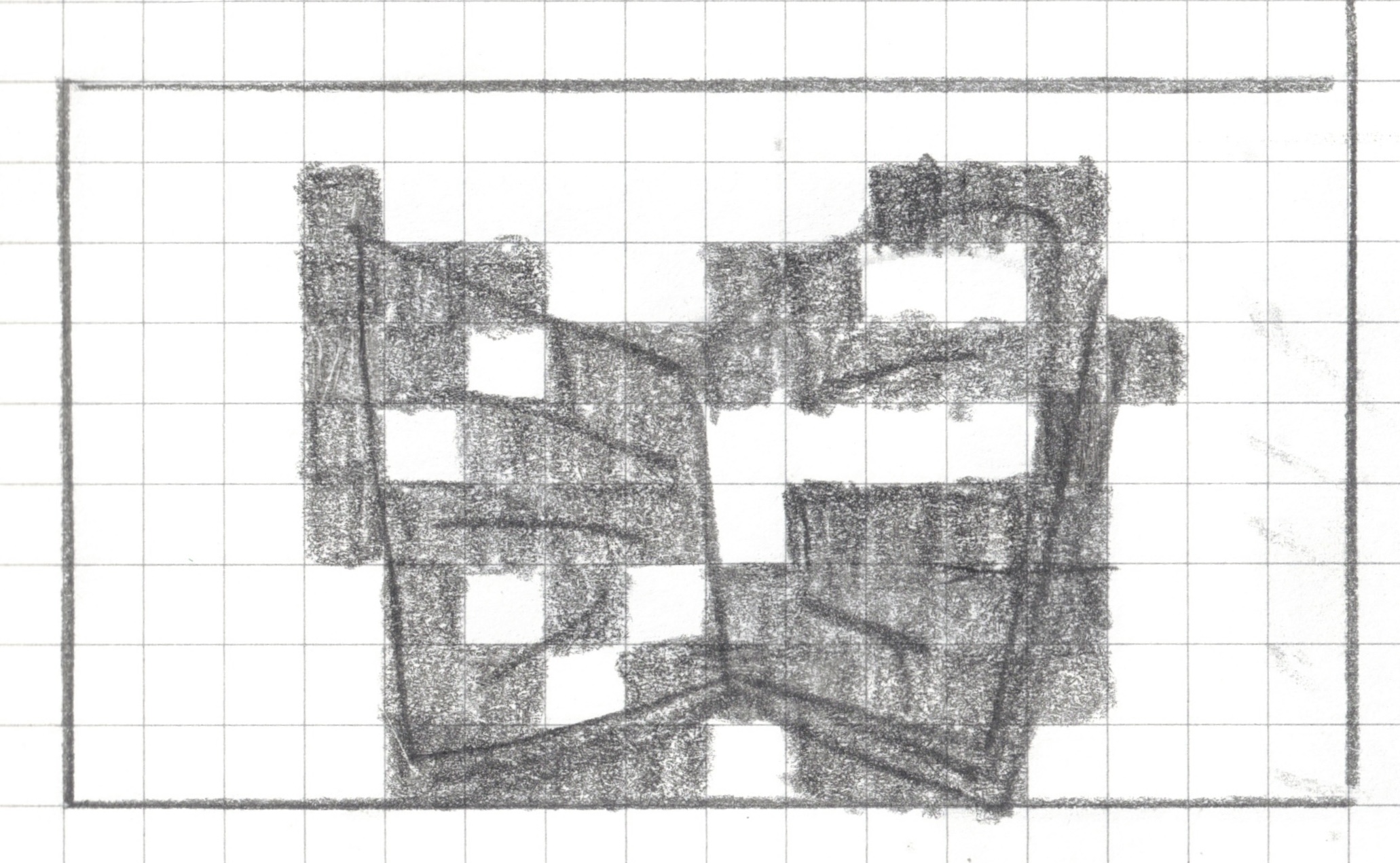
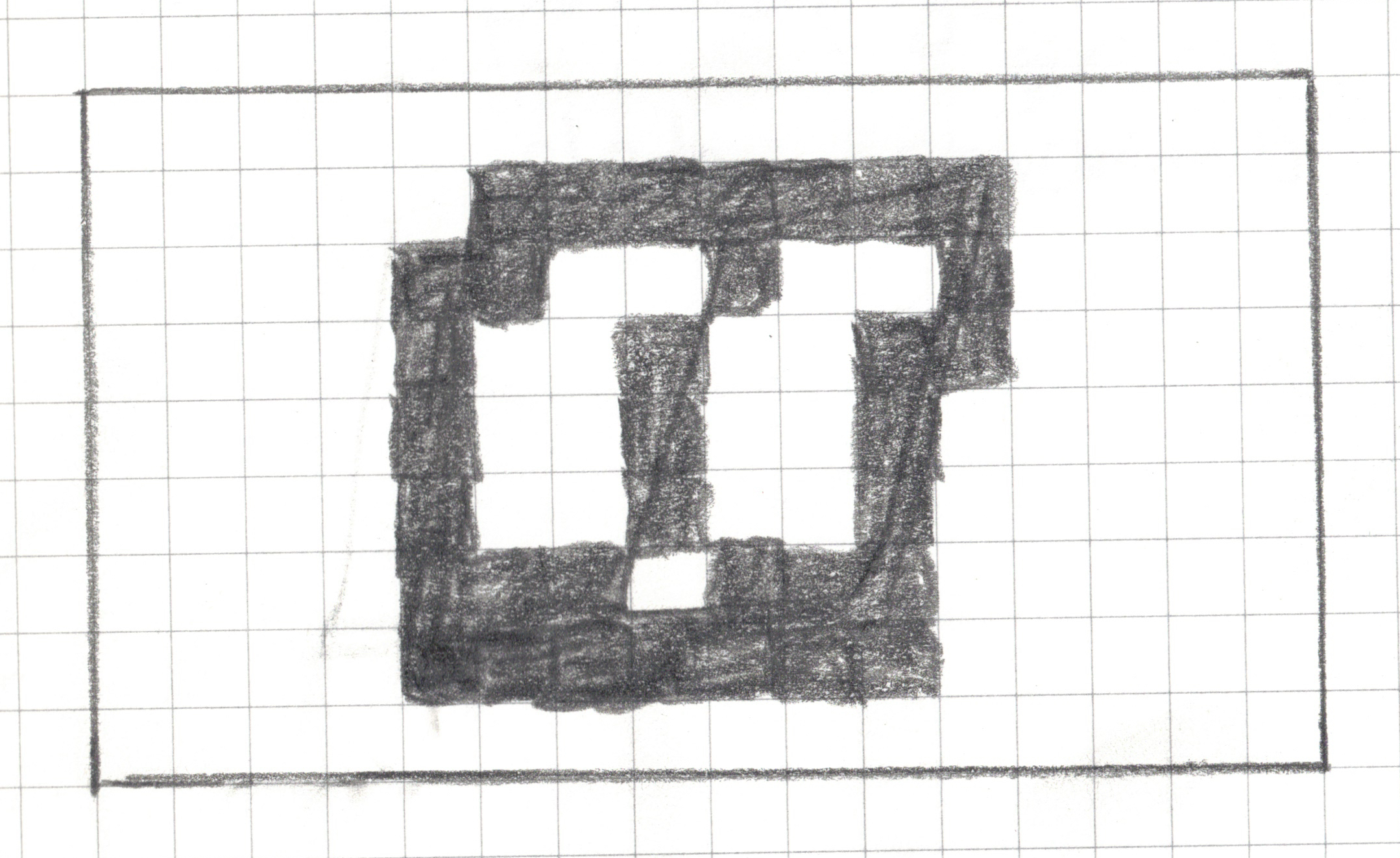
For any square that has a line, a dot or any pen/pencil mark, shade the whole square.
An example:
![]()
Step 4: Write your algorithm (Training)
Use your drawing as well as the drawings of your teammates (only your teammates) to come up with an algorithm (a set of rules) that can identify an open book. In other words, the algorithm should should identify whether the drawn book is open or closed.
MY CLASSIFICATION ALGORITHM
Algorithm Name: _______________________
My Rule (write it step-by-step):
1. ____________________________________________________
2. ____________________________________________________
3. ____________________________________________________
4. Classification Decision:
if _________________ then predict “open”.
else predict “closed”.
The Vertical Gap Scanner
Go through the image one row at a time, from top to bottom.
For each row, check if it qualifies as a “Gapped Row.” A row is a “Gapped Row” if it meets both of these conditions:
- It has at least one filled-in square.
- It has 3 empty square between its leftmost filled square and its rightmost filled square.
- Count the number of gapped rows and save it as
gap_row_count.
The Vertical Gap Scanner
- Classification Decision:
if gap_row_count >= 1 then predict “open”.
else predict “closed”.
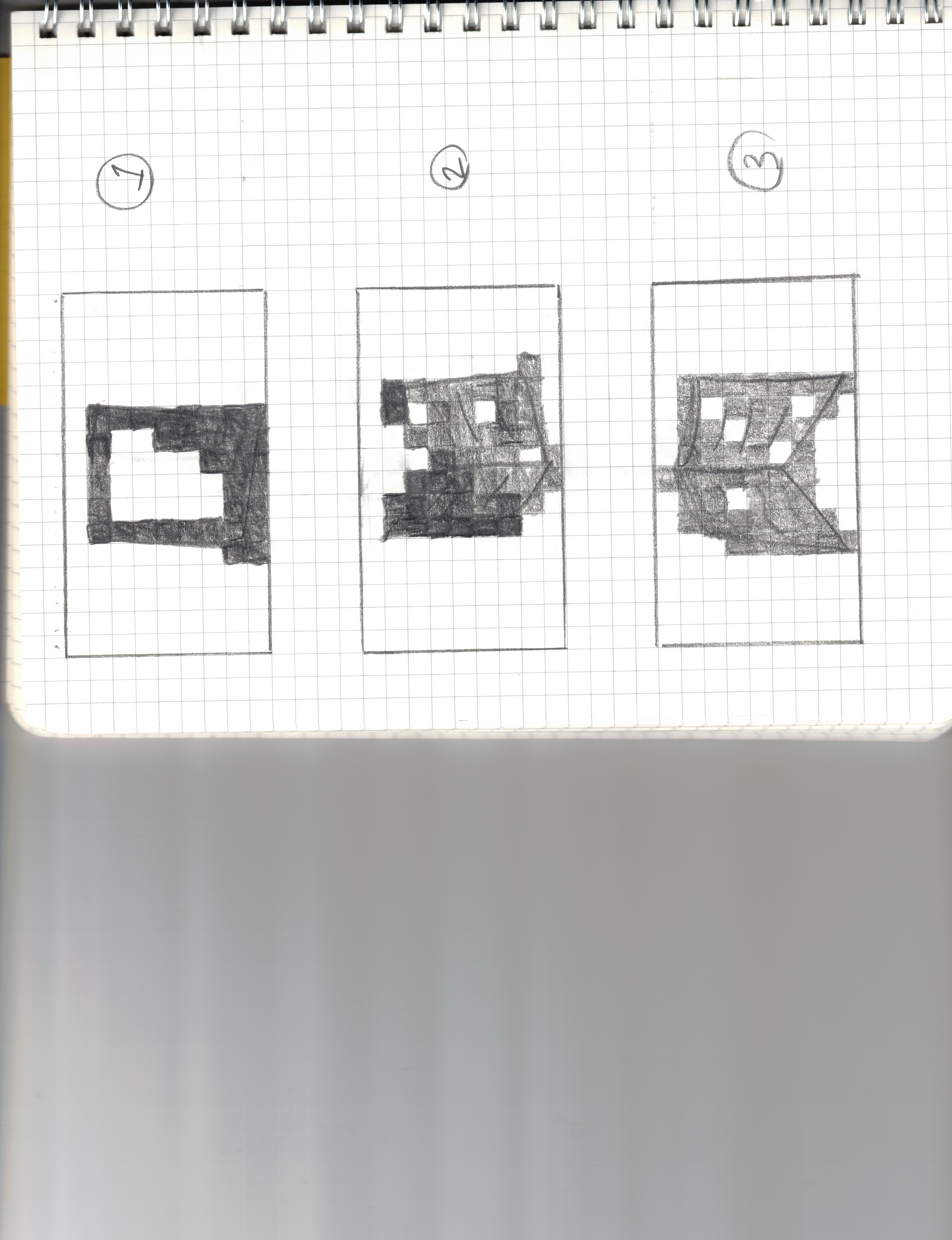
Step 5: Test your algorithm
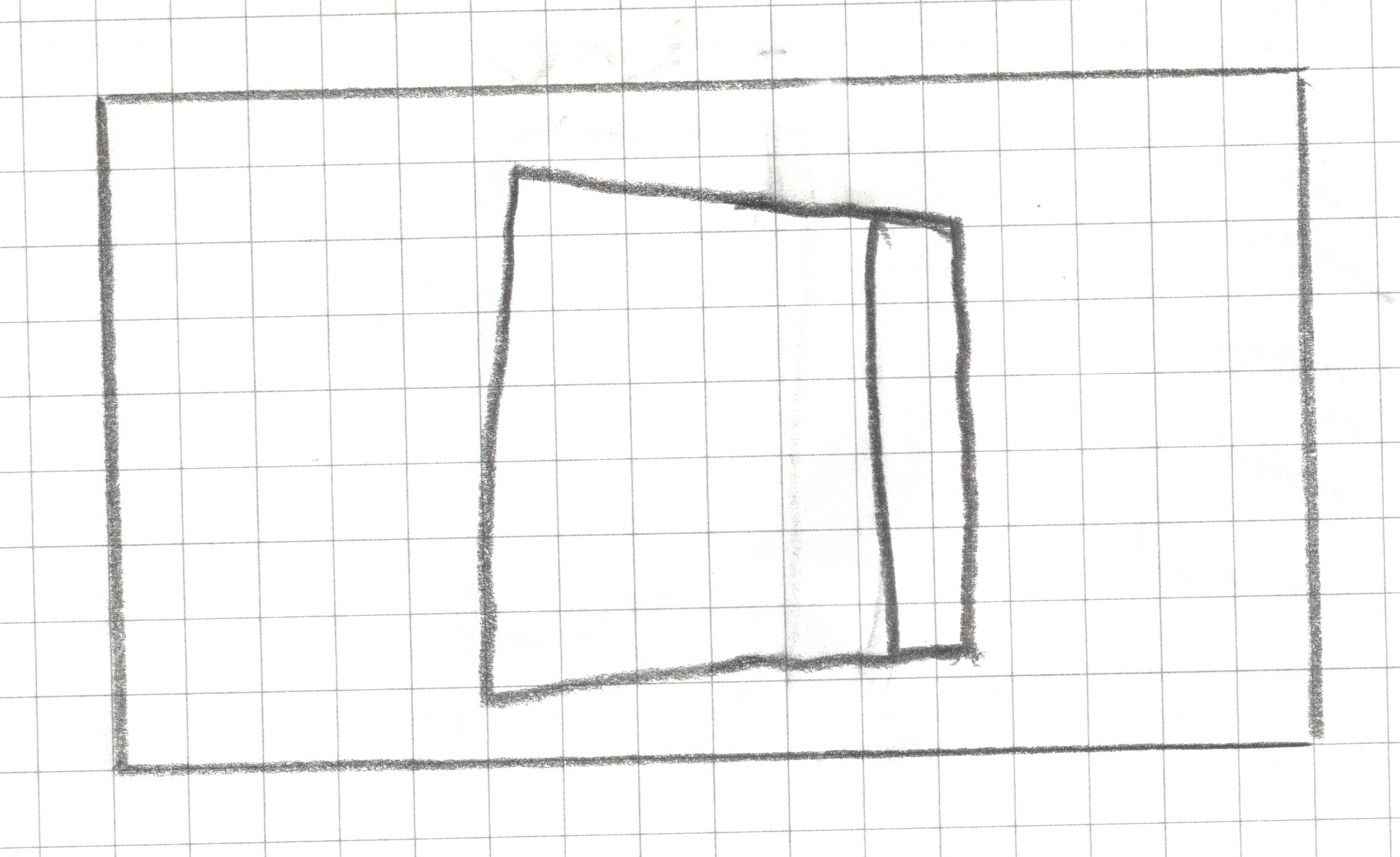
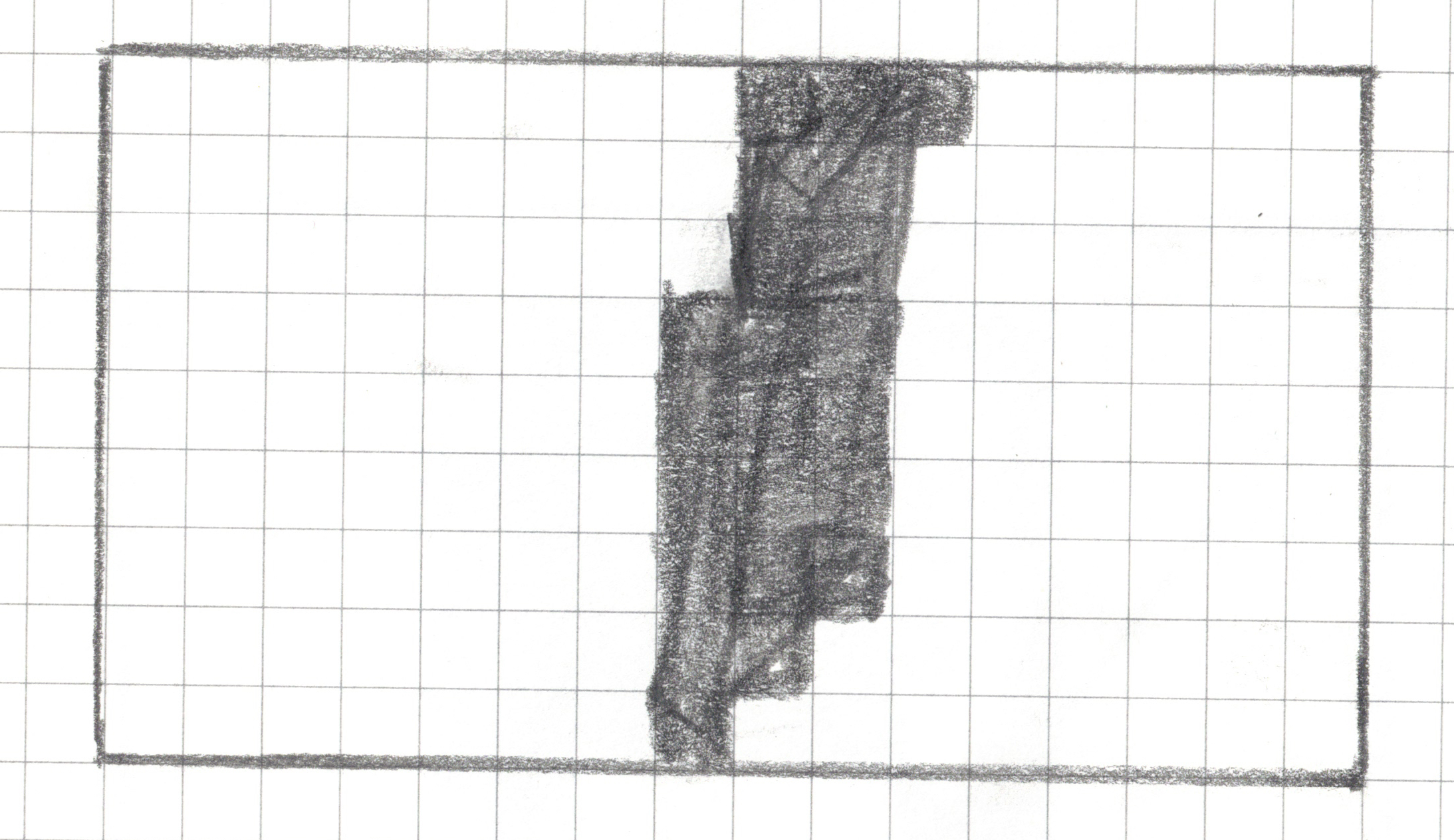
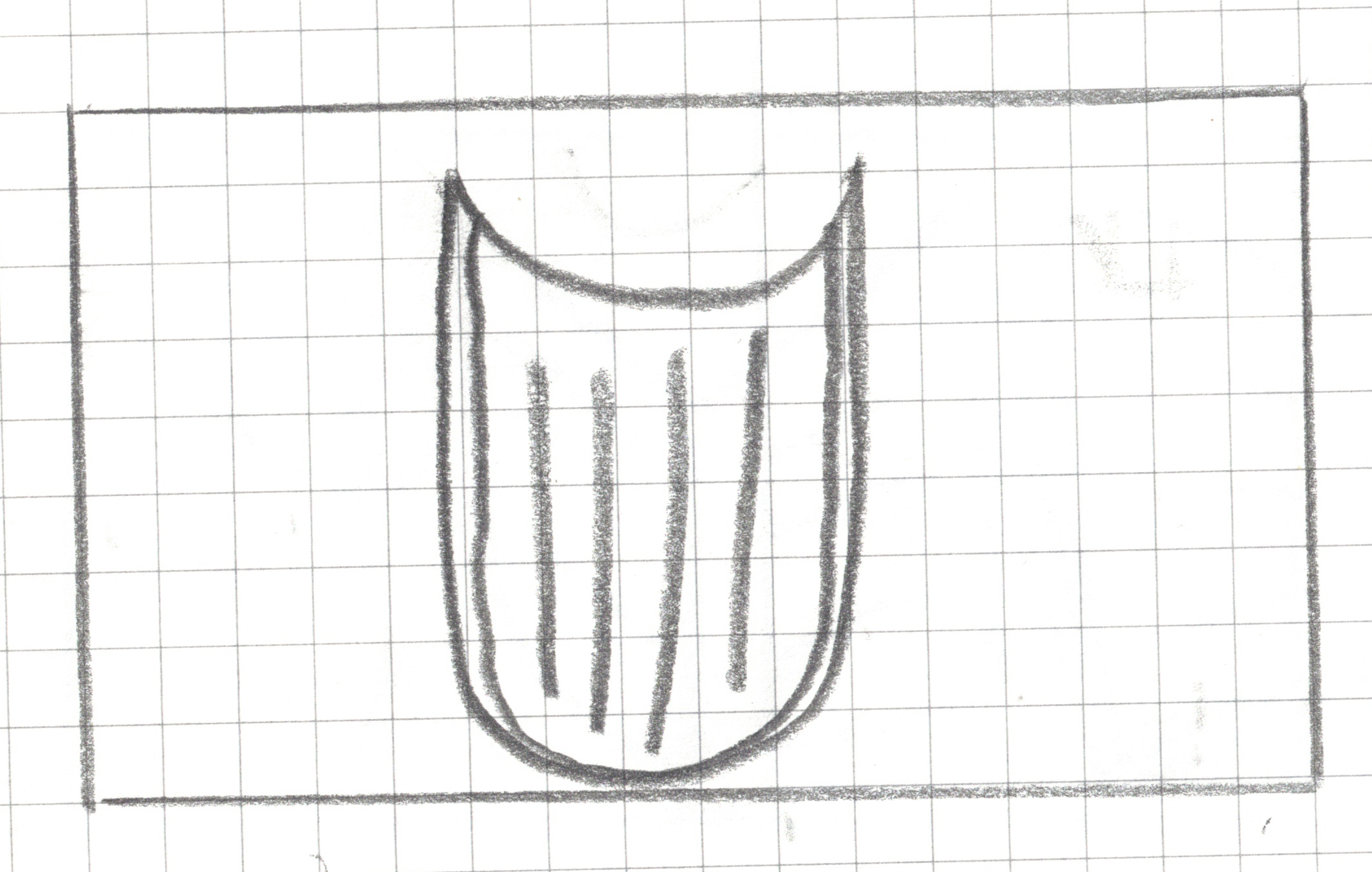
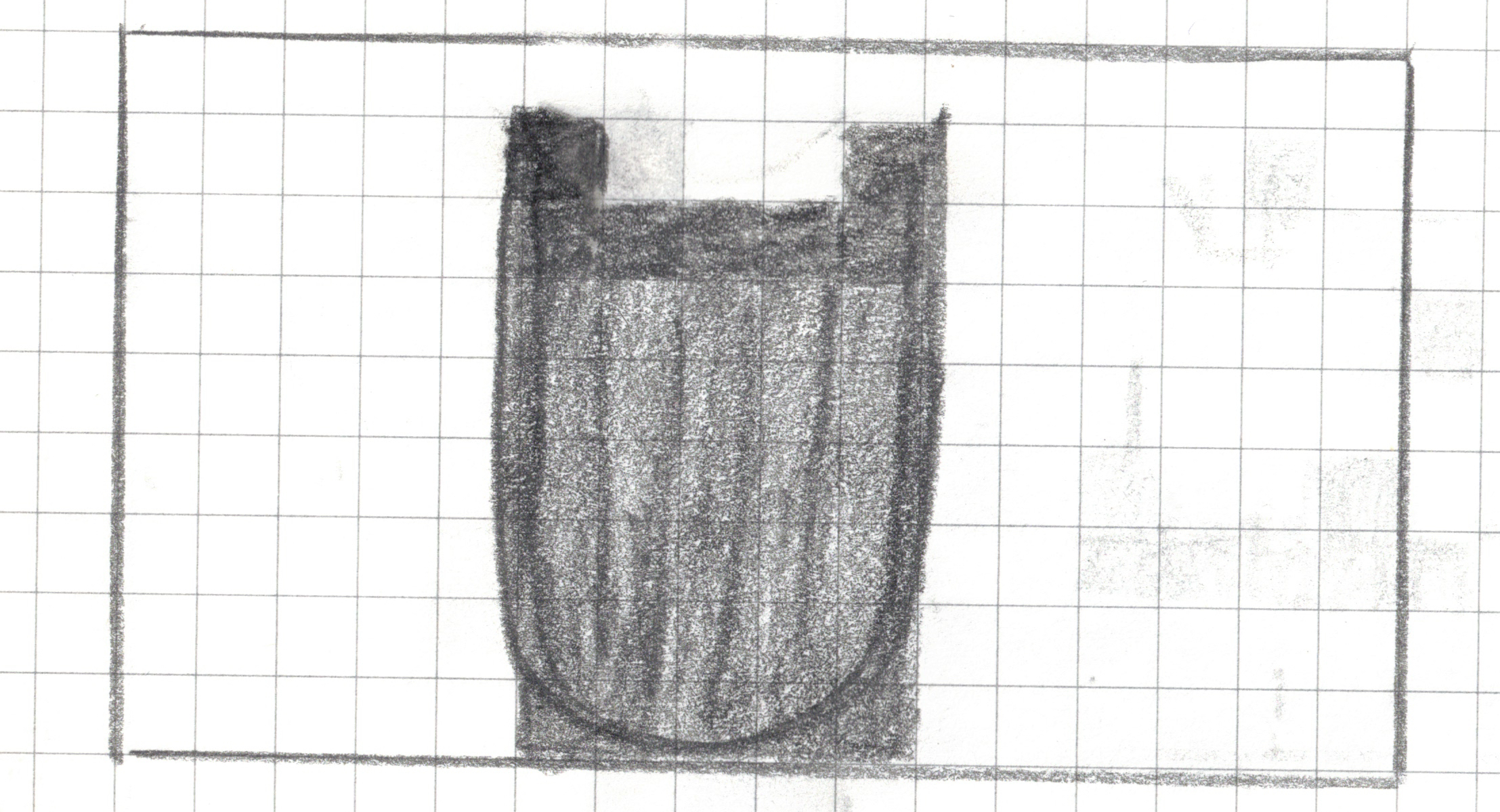
Image 1
![]()
actual_class = closed
Image 1
![]()
predicted_class = ?
Image 2
![]()
actual_class = open
Image 2
![]()
predicted_class = ?
Image 3
![]()
actual_class = open
Image 3
![]()
predicted_class = ?
Image 4
![]()
actual_class = open
Image 4
![]()
predicted_class = ?
Image 5
![]()
actual_class = closed
Image 5
![]()
predicted_class = ?
Image 6
![]()
actual_class = closed
Image 6
![]()
predicted_class = ?
Image 7
![]()
actual_class = open
Image 7
![]()
predicted_class = ?
Image 8
![]()
actual_class = open
Image 8
![]()
predicted_class = ?
Image 9
![]()
actual_class = open
Image 9
![]()
predicted_class = ?
Image 10
![]()
actual_class = open
Image 10
![]()
predicted_class = ?
| Actual: OPEN |
_________
(True Positive) |
________
(False Negative) |
| Actual: CLOSED |
_______
(False Positive) |
________
(True Negative) |
True Positives (TP):
The model correctly predicted “OPEN” ____ times.
True Negatives (TN):
The model correctly predicted “CLOSED” ____ times.
False Positives (FP):
The model incorrectly predicted “OPEN” ____ times.
False Negatives (FN):
The model incorrectly predicted “CLOSED” when the book was actually open ____ times.
Overall Accuracy: (Correct / Total) = ____
Discuss
In a medical test, which one has worse consequences false negative or false positive? Discuss the implications of both of these possible results.
Key Take Aways
Computers See Data, Not Pictures. We learned to translate a visual concept (a book) into structured data (a grid of 0s and 1s) that a computer can understand.
An Algorithm is a Set of Rules. We created algorithms—step-by-step instructions—to sort our data. An algorithm is the recipe for finding patterns.
A Model is the Result of Training. Our final, specific rule (e.g., “Predict”open” if gap_row_count >= 1”) is our model. It’s the finished cake we can use to make predictions.
No Model is Perfect. Every model has strengths and weaknesses. “All models are wrong, but some are useful” George Fox
Evaluation is Everything. We must test our model on unseen data to find its flaws (False Positives and False Negatives) and truly understand how well it works. A model is only as good as its test results.
Binary Classification
Our response variable was categorical and had two categories (classes), i.e., open is a binary variable with TRUE or FALSE as possible values.
Thus the activity we just completed is a binary classification task.
Multiclass (multinominal) classification
open, closed, half-open
Classification vs. Prediction
Our response variable was categorical and had two categories (classes) and hence we used a classification algorithm.
If we had a numeric response variable (e.g. temperature) then we would have used a prediction algorithm.
Classification or Prediction?